Know you’re on target
Train to a percentage of your max — not a vague RPE. Live bands tell you when you’re under, on, or over.

Guessing effort makes it hard to know if you’re progressing, overloaded, or just tired. Climbasics turns each pull into a target you can hit — and a record you can trust.
Train to a percentage of your max — not a vague RPE. Live bands tell you when you’re under, on, or over.
Daily check-ins feed readiness and automatic load adjustments, so hard days and easy days stay intentional.
Every session lands in your history — so left/right gaps, peaks, and endurance actually show up over weeks.
Built on curated climbing and sports-science research — from a progressive warm-up to critical force — so you train the quality you care about, with live targets you can follow mid-pull.
Prime tendons with a progressive ladder before hard pulls — so the real work starts safer and sharper.
Find your peak and compare hands — so you know what “100%” actually is before you prescribe percentages.
Train how fast you produce force — useful when the hold isn’t about grinding, it’s about catching it.
Hold a target and see time in zone — so you know when capacity drops, not just when the set “felt long.”
Work and rest with force targets — so density training stays honest instead of drifting soft.
Map the force you can sustain — the capacity signal that helps separate strength from endurance work.
Climbasics is the official GripMeter companion — so your gauge isn’t just a number on a screen, it’s part of how you train. Tindeq Progressor is fully supported today, with more devices on the way.

Live force and the timer stay in view together — so you can hold a target, catch work/rest cues, and finish the set knowing you actually hit what you meant to.

Four steps — measurement that feeds the rest of your training, not a one-off test.
GripMeter or Tindeq — get a clean zero and you’re ready to pull.
A protocol, a workout from the library, or today’s plan block — whatever the week needs.
Follow live force and timers so effort matches the prescription, not a guess.
Log readiness, track the plan, and let load adjust when your check-in says ease up or push.
Force protocols sit beside a workout & skill library, plan tracking, daily check-ins, and load that adjusts with how you feel — so measured finger work isn’t stranded from everything else.

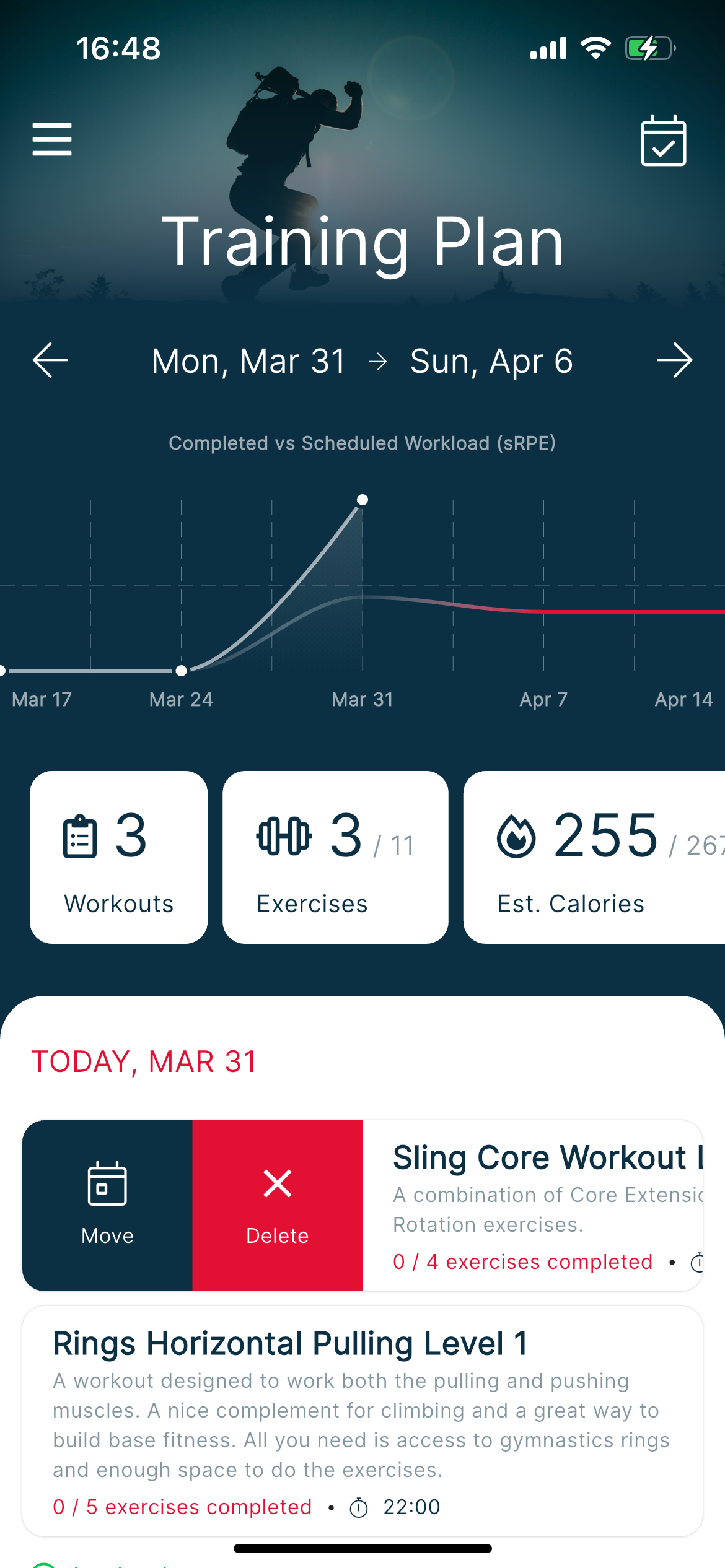
Follow a structured week and see what’s done — so hard finger days and rest days don’t disappear into chat notes.
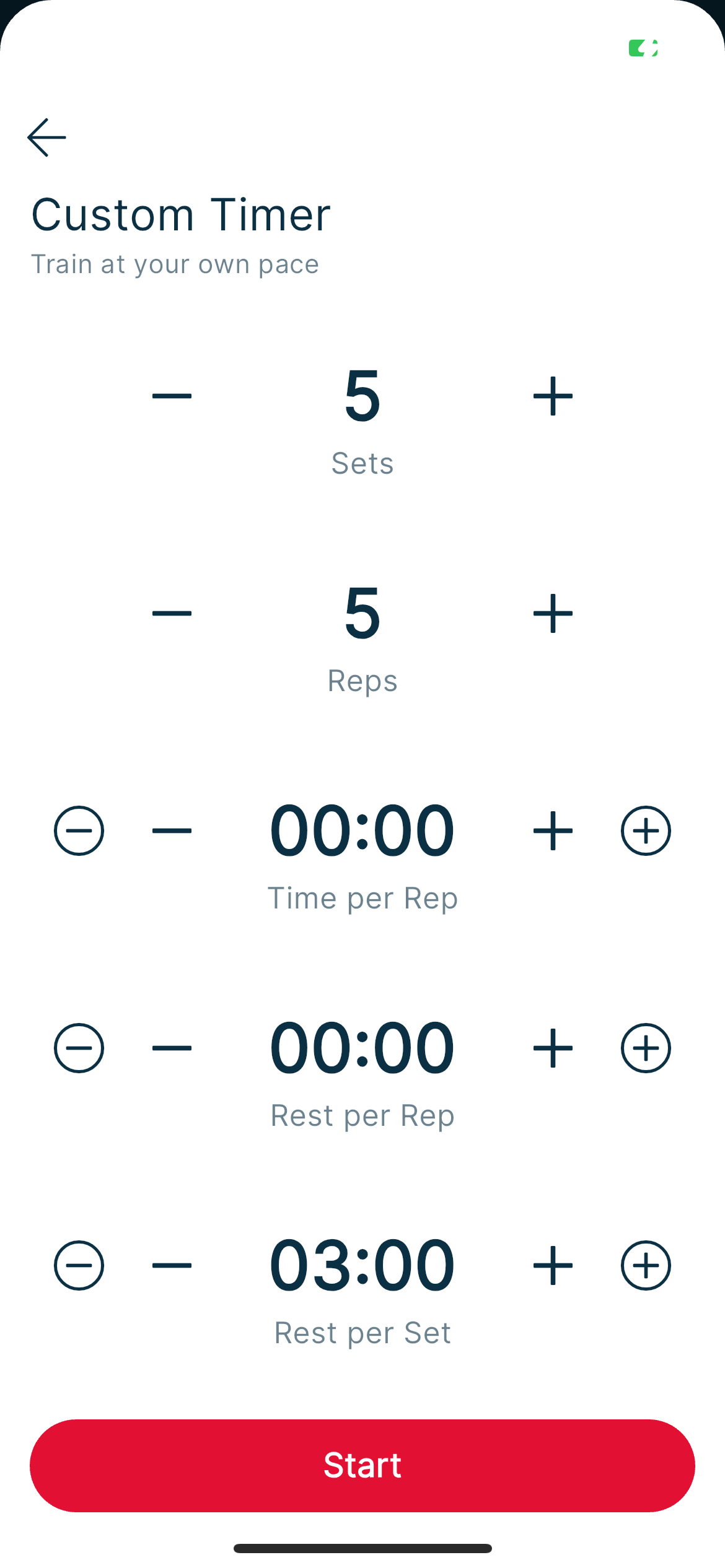
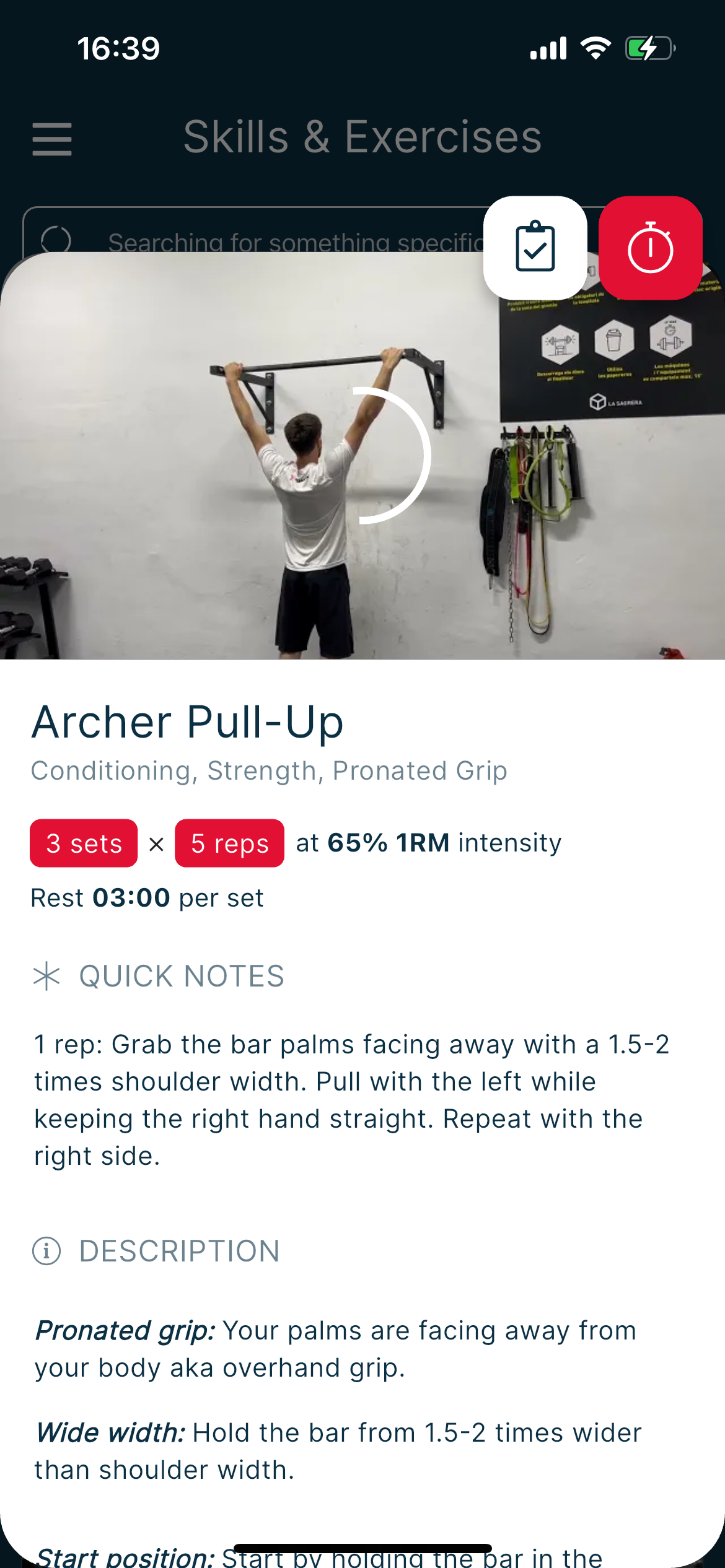
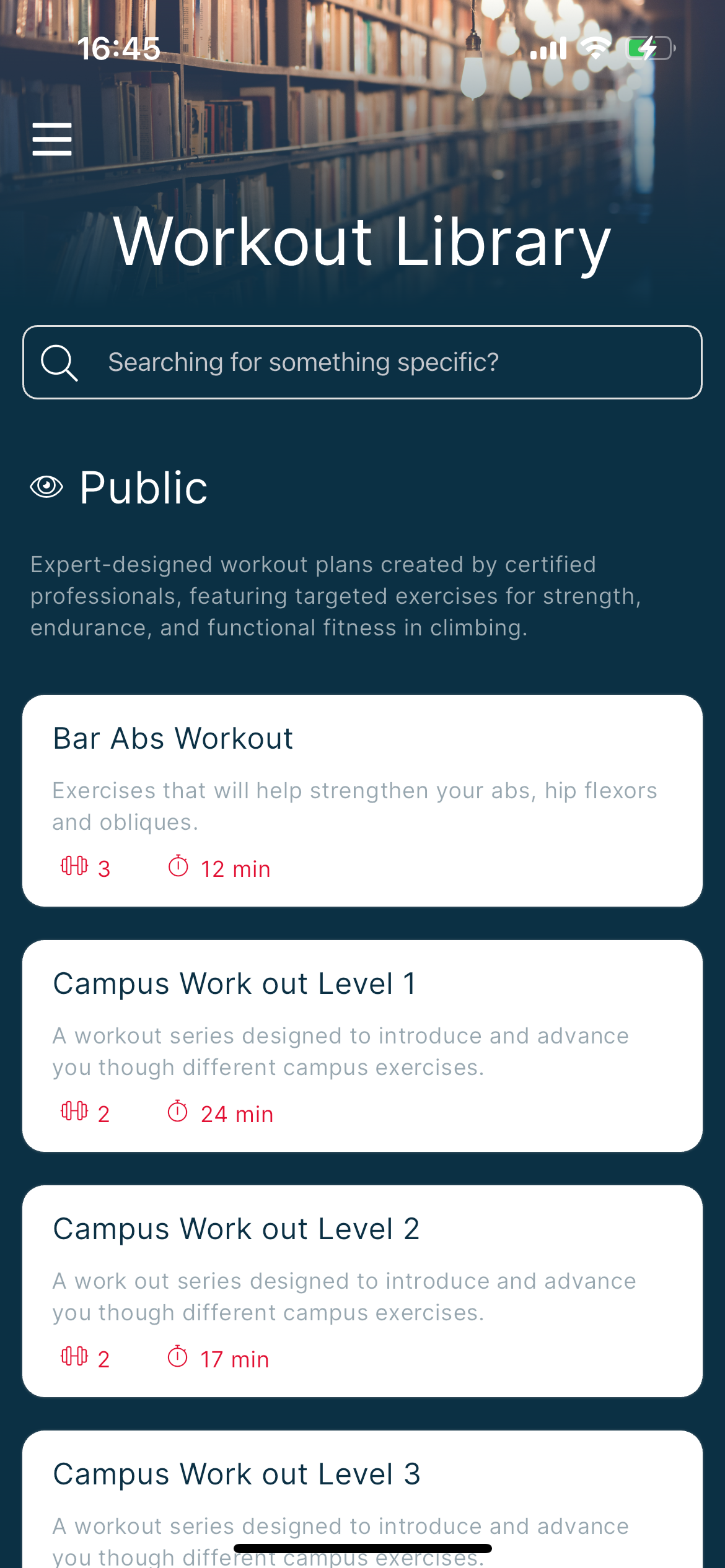
Climbing-specific workouts and skills ready to run — plus an interval timer for days you train without a gauge.
Check in each day; Climbasics uses that signal to help adjust training load so you don’t push through a red day by habit.
Share workouts with a coach today. Deeper grip charts in the coach portal are next.
Gauge apps often stop at the pull. Training apps often ignore the gauge. Climbasics is the suite that connects both — plus plans, library, and check-ins.
| What you need | Climbasics | Typical gauge app | Typical training app |
|---|---|---|---|
| Live force targets | GripMeter & Tindeq | Yes | Usually no |
| Research-backed protocols | Warm-up → critical force | Often yes | Timers only |
| Plans & workout / skill library | Yes | No | Yes |
| Daily check-in & load adjustments | Yes | No | Sometimes |
| Cloud history & CSV | Yes | Limited | Not force data |
| Coach tools | Yes | Rare | Sometimes |
| Saved protocol presets | Coming soon | Weak / missing | N/A |
Based on how the category typically packages features — not a knock on every third-party app.
We’re shipping carefully. Here’s what’s on the way — labeled clearly so nothing feels oversold.
Keep the exact setup that works — warm-up on 20 mm at 60%, L/R repeaters at 80% — and run it again without rebuilding.
Leave invite-only behind. Keep live measurement, peak force, and recent history free so your gauge always has a working app.
Asymmetry trends, fatigue signals, strength vs bodyweight — turning history into clearer next-step guidance.
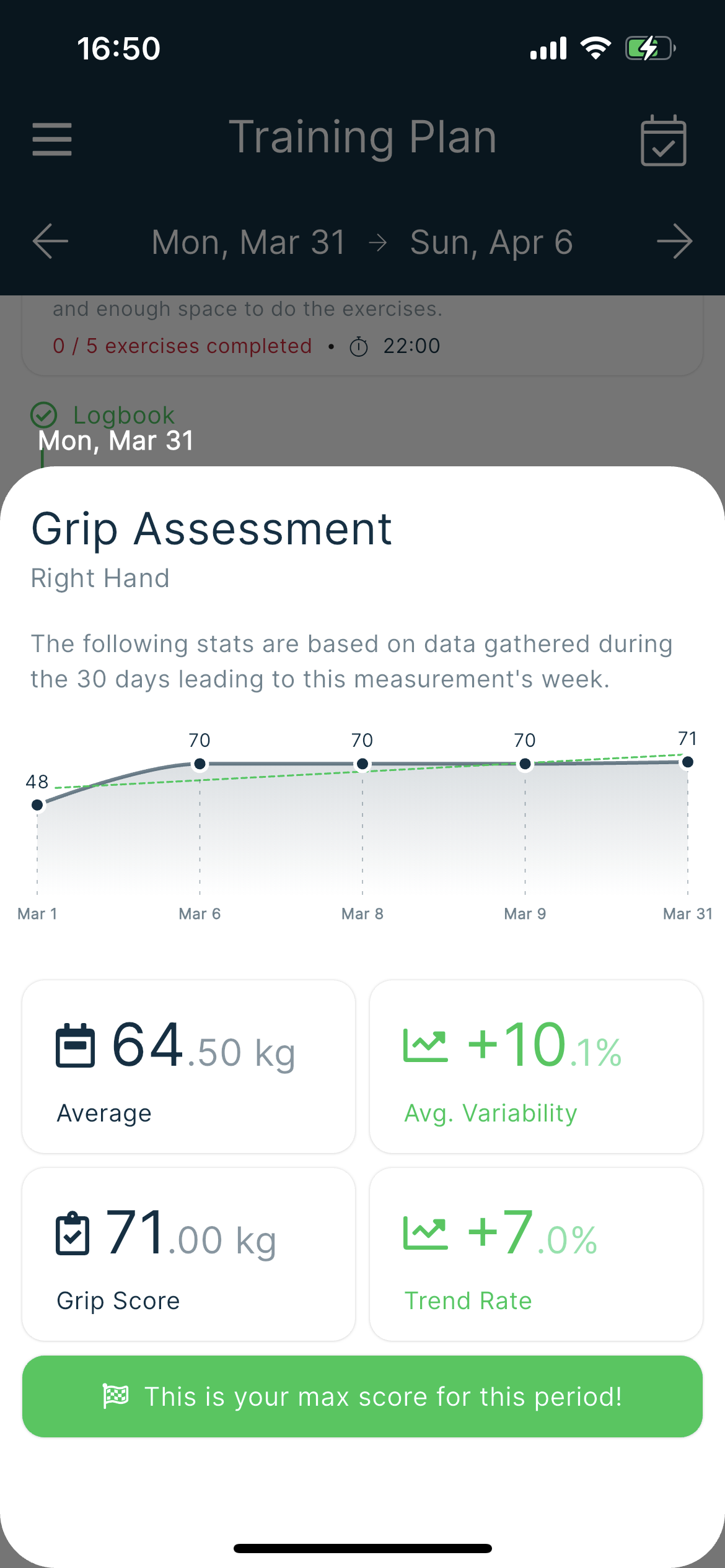
Plans, workouts, skills, timer, logbook, and grip assessment — the suite you’ll actually live in.



Drag to browse
A climbing training suite: live force protocols on GripMeter and Tindeq, plus a workout & skill library, plan tracking, daily check-ins with load adjustments, cloud history — and a way to train with a coach.
Full support today for GripMeter (including older units that still advertise as ClimbingNova) and Tindeq Progressor. Climbasics is the official GripMeter companion, and more gauges will land as we ship them.
No. Plans, the workout & skill library, the interval timer, check-ins, and load tracking work without one. A gauge unlocks live force targets and the protocol suite — that’s where Climbasics shines for finger work.
The app is live on the stores but invite-only today. When paid plans arrive, the intent is a free tier with live measurement, peak force, and recent history — so buying a GripMeter never leaves you stranded — plus a paid tier for the full suite, unlimited history, export, and insights.
If you already have an invite, download from the App Store or Google Play. Otherwise join the waitlist below and we’ll email you when a spot opens.
Analytics only run if you agree. The app asks once, clearly, and you can change your mind. Crash and usage pipelines deliberately avoid health data and personal details.
Climbasics is invite-only while we polish the experience. Join the list — or download now if you already have access.